


Indian Railways Declares WhatsApp Ticket Screenshots Invalid
The CSR Journal Magazine

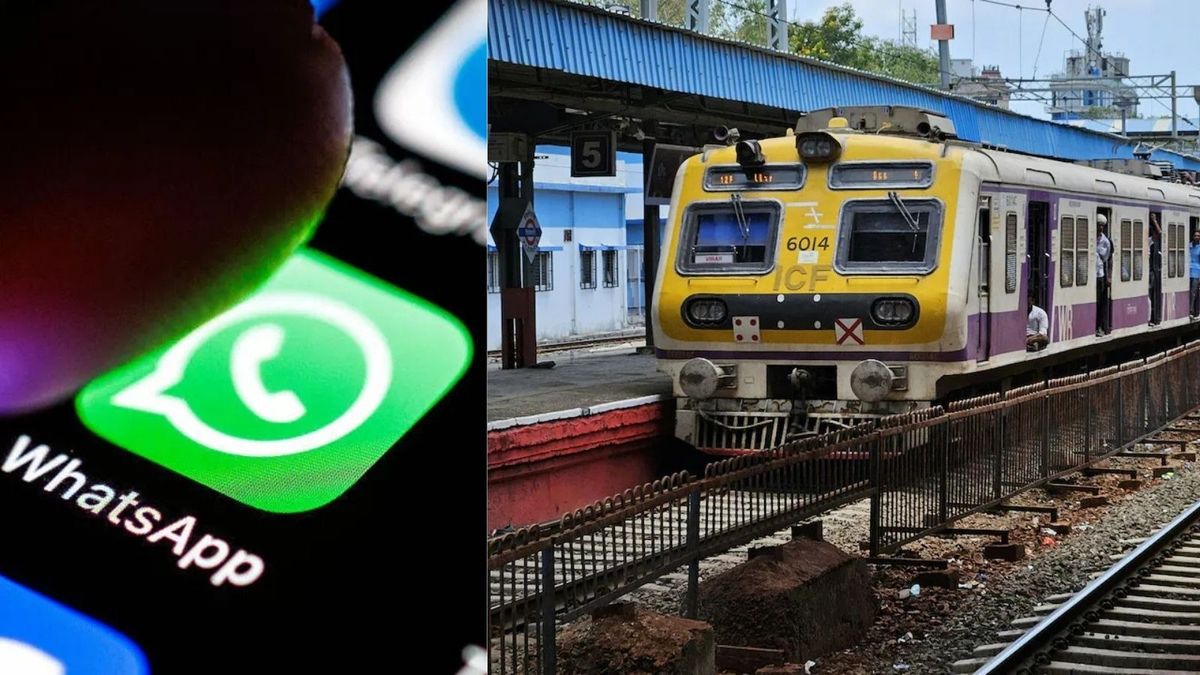
Indian Railways has announced that images or screenshots of train tickets shared via WhatsApp will not be accepted as legitimate proof of travel. Passengers are advised to avoid relying on these digital formats during their journeys. The statement responds to an increasing trend of passengers forwarding ticket screenshots, which can lead to complications during ticket inspections.

The railway authorities have emphasised that ticket-checking staff, known as Travelling Ticket Examiners (TTEs), will exclusively accept original electronic tickets. These can either be generated through official railway booking platforms or purchased as printed tickets from railway counters. Relying on a mere image of the ticket on a messaging platform will not suffice during ticket checks.

Reasons for Non-Acceptance of Screenshots

Indian Railways outlined several reasons for not accepting screenshots as valid travel documents. Firstly, such images can be easily altered or manipulated, compromising their authenticity. Secondly, forwarding a ticket image means it could have been shared among multiple users, casting further doubt on its validity. Additionally, verifying these images in real time presents significant challenges for ticket examiners.

Moreover, there are concerns about the potential for misuse. Screenshot images may facilitate fraudulent travel, leading to revenue losses for the railway system. To combat ticket fraud, Indian Railways insists that verification must be conducted directly through original booking records.

To ensure compliance during travel, passengers need to present one of several acceptable forms of proof. This includes an original e-ticket in the IRCTC Rail Connect app, an SMS booking confirmation, the ticket visible in the authorised booking app or website, or a printed copy of the e-ticket. Additionally, a valid government-issued photo ID which matches the ticket information is required for verification.

Consequences of Presenting a Screenshot

If a passenger presents only a WhatsApp screenshot or forwarded image and cannot provide a valid ticket, the ticket-checking personnel may classify this passenger as travelling without a valid ticket. In such situations, the passenger may be required to purchase a new ticket or pay a penalty. Depending on the circumstances, actions may be taken under railway regulations if the ticket cannot be validated.

While it is permissible for passengers to share ticket details with family members or friends for convenience, it is crucial that the individual travelling retains access to the original ticket or booking confirmation. Simply sharing a digital image does not meet the requirements for valid proof of travel during inspections.

To ensure a smooth travel experience, passengers are encouraged to keep their original e-tickets accessible on their mobile devices. They should also save the SMS confirmations received post-booking and carry valid photo identification. Maintaining sufficient battery life on their mobile devices during the journey can further mitigate issues related to ticket verification.

The Importance of Original Tickets

As most train bookings are now facilitated online, sharing ticket screenshots has become a common practice among passengers for quick access. However, the recent statement from Indian Railways underscores the importance of possessing original tickets or valid booking records during ticket checks. This clarification serves to avoid delays, penalties, or inconveniences while travelling.

Passengers are advised to verify their access to original tickets well before boarding their train. This will prevent reliance solely on WhatsApp images or other forms of digital documentation, which may not be accepted by ticket examiners. By adhering to these guidelines, travellers can enhance their overall journey experience.

Long or Short, get news the way you like. No ads. No redirections. Download Newspin and Stay Alert, The CSR Journal Mobile app, for fast, crisp, clean updates!

App Store –  https://apps.apple.com/in/app/newspin/id6746449540 

Google Play Store – https://play.google.com/store/apps/details?id=com.inventifweb.newspin&pcampaignid=web_share

Latest News

Popular Videos
