


How to Update Email Address in Aadhaar Using the Aadhaar App: Step-by-Step Guide
The CSR Journal Magazine

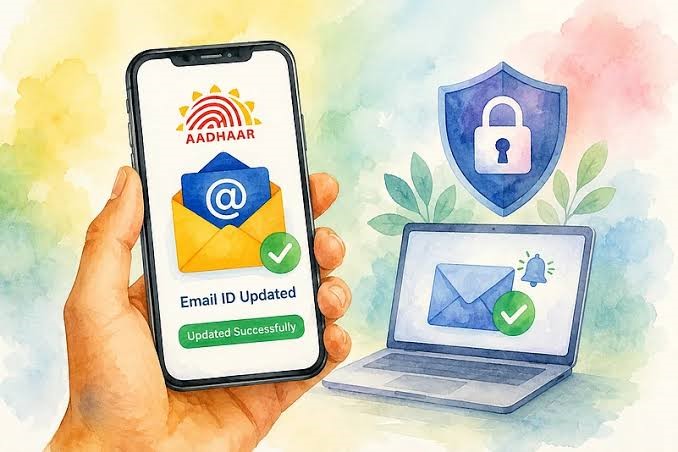
Updating the email associated with Aadhaar has become significantly streamlined with the introduction of the Aadhaar App. Previously, individuals had to visit physical Aadhaar centres, often enduring long queues to manage demographic updates. This conventional method not only required individuals to search for nearby centres but also meant they had to allocate substantial time for completion of necessary verifications.

The new app-based approach is designed to mitigate these challenges, making it easier for residents to manage their Aadhaar details from the convenience of their smartphones. This shift aims to enhance user accessibility to services while eliminating the need for in-person visits, thereby addressing the concerns of those with limited free time or those residing far from Aadhaar update centres.

This digital transformation presents an opportunity for residents to handle Aadhaar-related tasks more efficiently, ultimately fostering a more user-friendly environment for managing personal information.

Step-by-Step Guide to Updating Your Email Address

To update their email address via the Aadhaar App, users simply need to launch the application and select the option for updating Aadhaar details. The app ensures that users receive clear guidance throughout the update process, which includes essential authentication and verification steps prior to accepting a request for an email update.

When entering the new email address, it is vital for users to ensure that the information is accurately provided. The Aadhaar App will guide them with instructions, allowing residents to submit their requests digitally without needing to visit any location. This not only saves time but also makes managing Aadhaar-related updates more straightforward.

After the update request is submitted, users are encouraged to monitor their email for confirmation and further information. This ensures that they can promptly realise the benefits of having updated contact details linked to their Aadhaar.

Importance of Keeping Aadhaar Details Current

Maintaining accurate contact information associated with Aadhaar is crucial for residents, as it facilitates better communication regarding important notifications and access to various Aadhaar-related services. An up-to-date email address serves as a key communication channel for residents, especially when it comes to receiving digital notifications pertinent to their Aadhaar accounts.

Residents are advised to primarily utilise the official Aadhaar platform or the Aadhaar App for any updates to ensure safety and prevent potential fraud. Sharing Aadhaar details with unauthorised entities poses risks, and individuals are urged to remain vigilant about the security of their personal information.

The transition to digital methods of managing Aadhaar services is expected to empower residents further, enabling them to navigate an increasingly digital landscape with greater ease. With Aadhaar becoming integral to numerous services, keeping personal information current plays a critical role in accessing those services efficiently.

Future of Aadhaar Services in a Digital Era

The ongoing transition towards mobile-based Aadhaar services reflects a broader trend in digitisation aimed at limiting the need for in-person visits for various eligible services. The Aadhaar App allows residents to handle services digitally, minimising the inconvenience of travel and wait times often associated with traditional methods.

As Aadhaar becomes more ingrained in daily digital interactions, maintaining updated personal details not only enhances user experience but also increases the ease of access to multiple services that depend on Aadhaar verification. This progress signifies a step towards more efficient governance and improved customer service within the Aadhaar framework.

Overall, the new app-based system for updating details like email addresses exemplifies how technology can simplify bureaucratic processes and improve residents’ engagement with essential government services.

Long or Short, get news the way you like. No ads. No redirections. Download Newspin and Stay Alert, The CSR Journal Mobile app, for fast, crisp, clean updates!

App Store –  https://apps.apple.com/in/app/newspin/id6746449540 

Google Play Store – https://play.google.com/store/apps/details?id=com.inventifweb.newspin&pcampaignid=web_share

Latest News

Popular Videos
