



A total of 29 municipal corporations including Mumbai will undergo elections on Thursday, January 15. In Mumbai, after almost three years without elected civic leaders, a major political battle will be witnessed between the BJP-led Mahayuti alliance and the united Thackeray front to gain control over the Brihanmumbai Municipal Corporation (BMC).
To ensure the smooth conduct of the elections and counting process, more than 25,000 police personnel, including senior officers, will be deployed across Mumbai.
On Thursday, voting began at 7.30 am and continue until 5.30 pm with polling for 2,869 seats spread across 893 wards. The Election Commission of Maharashtra has fixed the voting hours from early morning to late afternoon to help citizens cast their ballots conveniently.
You can vote even without your Voter ID Card
If your Voter ID card isn’t available, you can still cast your vote by showing any one of several accepted identity proofs, like passport, driving licence or Aadhaar card, at the polling centre.
How to find your polling booth?
To find your polling booth location for the Mumbai BMC Election 2026, just follow these simple steps:
Step 1: Visit the Maharashtra State Election Commission website at mahasecvoterlist.in
Step 2: Click on “Voter Search” and select “EPIC Number Wise” or “Name Wise” search
Step 3: Choose your local body (Municipal Corporation), district, and local body name (Brihanmumbai Municipal Corporation)
Step 4: Enter your EPIC number or full name and click “Search”
Step 5: Your voter record will appear, showing polling booth name, address, and voter slip details
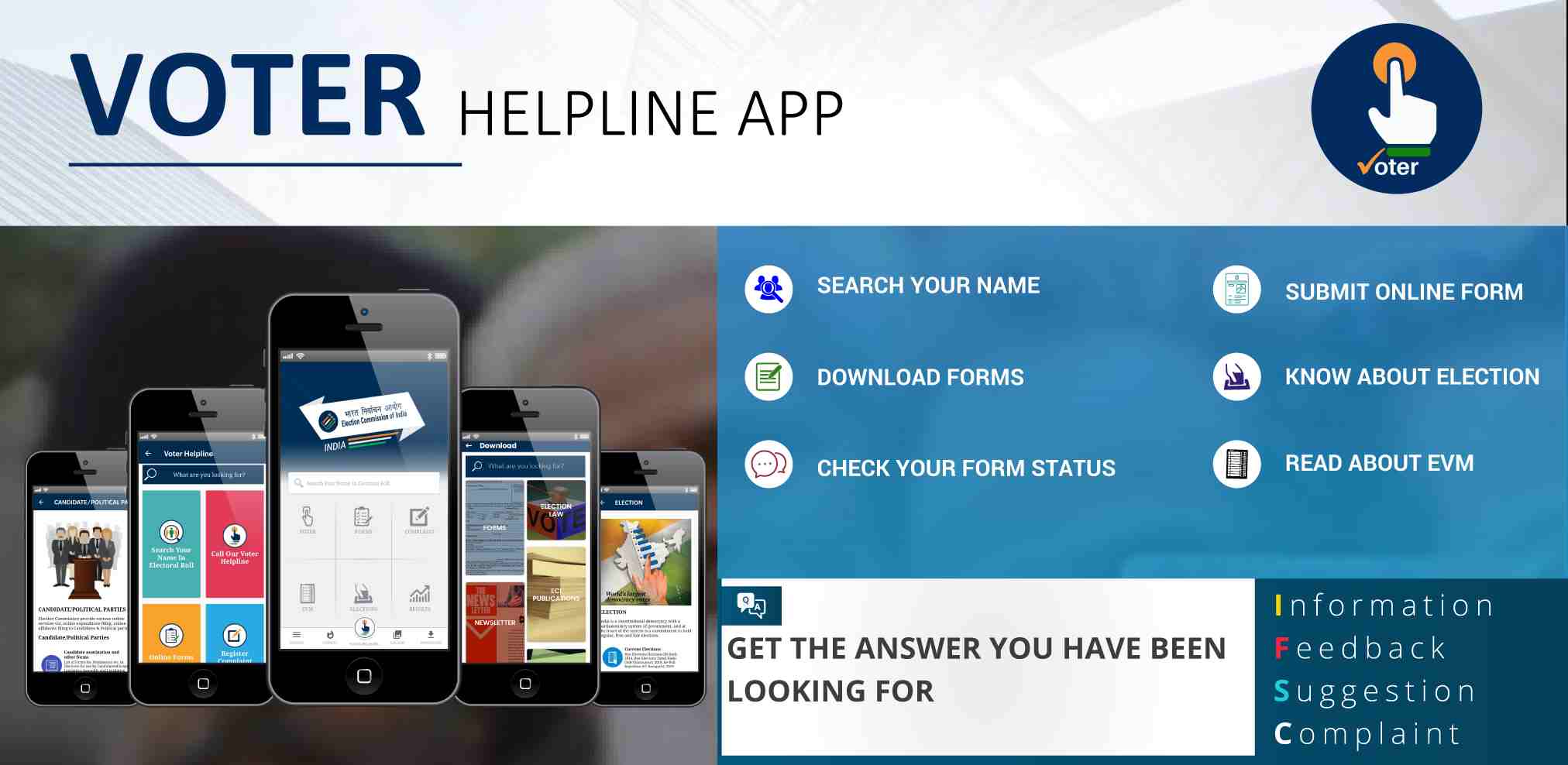
Download Voter Helpline App (VHA) for help and info on BMC Elections 2026
You can also use the Voter Helpline App, available for download for free on Google Play Store (Android) and the Apple App Store (iOS).
The Voter Helpline App (VHA) is the official mobile application of the Election Commission of India (ECI), designed to provide a single-window service for voters across all states, including Maharashtra. The app serves as a comprehensive tool for both registration and election-day information.
Use the #GoVerify feature to check if your name is in the electoral roll using your EPIC (Voter ID) number or personal details. Through this app you can download your e-EPIC (digital voter ID) or digital photo voter slips directly to your phone.
The app will help you to view profiles, income statements, assets, and criminal antecedents of contesting candidates in your constituency. Through this, you can file and track the status of complaints related to electoral services. It will also help you to view authentic, live election results and voter turnout trends directly from the ECI database.
Public holiday in Mumbai and 28 municipal corporations on January 15
A public holiday has been declared on January 15 by the Election Commission of Maharashtra across areas which will undergo voting. The move is aimed at ensuring maximum voter participation and smooth conduct of the civic polls. The holiday will apply to regions under 29 municipal corporations in Maharashtra, including Mumbai.
According to the Maharashtra Election Commission, January 15 will be a public holiday for The holiday will apply to government offices, semi-government bodies, corporations and boards, public sector undertakings, banks, and central government offices located within the limits of the Brihanmumbai Municipal Corporation (BMC).
Most government and civic-run schools and colleges in Mumbai are expected to remain closed due to the public holiday. Several private institutions may also suspend classes, particularly if their premises are being used as polling stations.
Long or Short, get news the way you like. No ads. No redirections. Download Newspin and Stay Alert, The CSR Journal Mobile app, for fast, crisp, clean updates!
App Store – https://apps.apple.com/in/
Google Play Store – https://play.google.com/store/