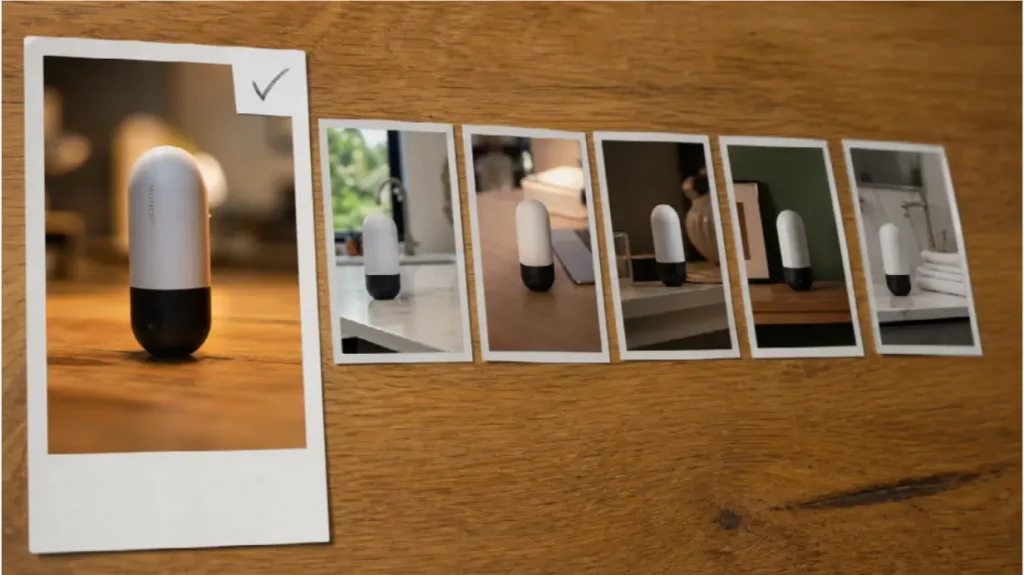


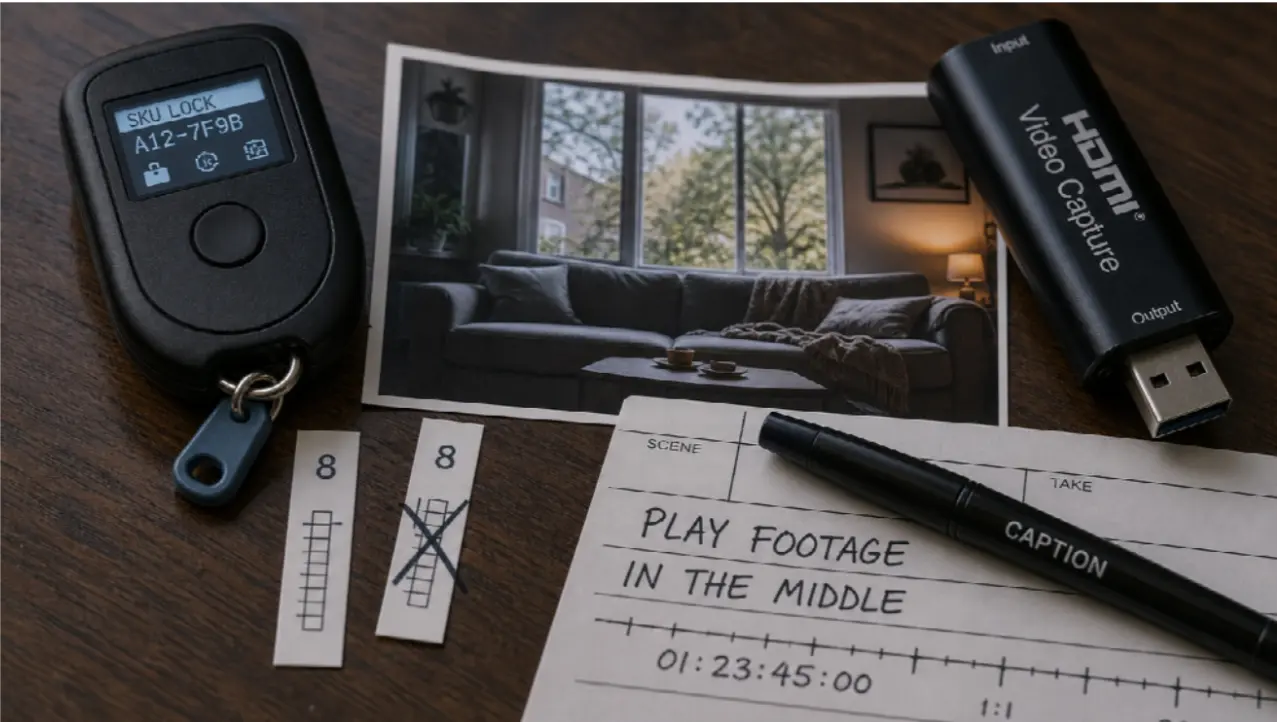

YouTube is crowded. A script that opens cleanly, holds a middle, and lands a close still matters. Tools that draft that script faster — including desktop AI writers — solve a real bottleneck. They do not solve the next one.
A strong YouTube video is not a teleprompter with stock loops. Tutorials, product explainers, CSR updates, and classroom-style reviews all need pictures that match the words: a product that stays the same SKU, a slide that becomes a walkthrough, a 20-second proof that does not invent a second office. CapCut-style editors still finish captions, crop, and export. Generation is a different job.
This article is not another walkthrough of an AI writer. It is what to do once the script exists: two model lanes, two kinds of brief.
Why a finished script still dies on screen
The intro can be perfect and the retention graph still drops if:
-
the B-roll is five eight-second clips that disagree about the room
-
the explainer restates a webpage you already published, but the visuals are generic “office cinematic”
-
the CTA hold never stays still long enough for a URL overlay
Time saved on brainstorming is lost in the timeline. The useful split is kit-locked timed beats versus page-or-document-led explainers. Those are not the same purchase. One is a 15–30 second production pass from stills and a mix. The other is an omni-brief: the copy you already wrote, plus screenshots, plus optional audio.
Job 1 — Direct a 15–30 second proof from assets you own
Product reviews, NGO field updates, factory-floor explainers, and “here is the object” chapters all need identity. Packshots, a volunteer still, a device photo: that kit is the lock.
Seedance 2.5 is a multimodal AI video model for coherent clips up to about thirty seconds from text plus image, video, and audio references, with timing and storyboard-friendly direction. Map the script’s middle to second ranges, not to a mood:
“0–6s the same workshop from the still; 6–18s hands on the same product, label readable; 18–24s three-quarter of the same speaker, same shirt; 24–30s hold for the end card — no new logos, no extra crowd.”
Attach the mix if you have a bed you own. Review the collar and the SKU before you fall in love with the lighting. If second eighteen grows a new jacket, fix the folder. Do not buy a higher “cinematic” word.
This lane is not a 12-minute film in one render. Board chapters. Generate the expensive beat. Cut it under the VO you already wrote — human or TTS, your choice.
Job 2 — Turn the page you already published into a YouTube explainer
CSR reports, landing pages, feature docs, and “how our programme works” PDFs are already structured. Re-filming them as a talking head is slow. Prompting “inspiring sustainability video” is how you get a stock sunrise that is not your project.
Wan 3.0 is Topview’s omni-reference workflow for briefs heavier than a single still: images, clips, audio, and structured context from a document or webpage folded into one direction. That maps to “this page, in motion” — three steps, UI or infographic hierarchy, language you already approved. Treat duration and extra context types as workflow guidance and confirm them in the live generator. Alibaba’s public catalog may not yet list Wan 3.0 as an official spec sheet.
Do not rank Wan 3.0 against Seedance 2.5 as two homepages. Both are models. One eats a fat, mixed brief. One shoots a timed, kit-locked beat.
Steps that stay boring (and therefore work)
-
Lock the script in your voice. AI drafts are a start. CSR, legal, and claims stay human.
-
Mark the pictures. Which lines need a 20-second proof? Which section is really a page walkthrough?
-
Build a small kit. Non-conflicting stills. One location. Music you have the right to use.
-
Generate one beat per job. Seedance 2.5 for the object-true middle. Wan 3.0 when the source of truth is a URL or a deck.
-
Finish in an editor. Captions you meant, 16:9 for YouTube, chapters, no surprise watermark. Mute-autoplay only if the words are on screen.
If a close-up fails, change one variable — a tighter still, a negative (“no new jewellery”), an interval — not the entire aesthetic.
What this is not
It is not a replacement for interviews with people who actually did the work. Generated “beneficiaries” are a trust tax on a CSR channel. Real faces stay real. It is not a substitute for CapCut when the task is captions, layout, and export. It is not a six-minute one-click documentary.
Why the two-lane habit helps a YouTube calendar
Time: you stop rebuilding B-roll from stock every upload. Consistency: the same product and the same room survive past the hook. Relevance: the explainer follows copy you already published, not a trending prompt that has nothing to do with the programme. Schedule: one 20-second generate plus a cut is closer to a weekly cadence than a crew day for every chapter.