


Your iPhone Overheating? Hidden Habits and Heatwaves Putting Your Device at Risk
The CSR Journal Magazine

The occurrence of an overheated iPhone is not uncommon, especially in the current climate of India, where temperatures have surpassed 45 degrees Celsius. Under such extreme conditions, the thermal management systems within these devices work harder to maintain optimal performance. However, external heat is not the sole factor contributing to overheating. Various elements, including resource-intensive applications, inappropriate charging practices, exposure to direct sunlight, and constant background processes, may lead to device heat buildup.

Apple has stipulated that the intended operational range for iPhones lies between 0 degrees Celsius and 35 degrees Celsius (32 degrees Fahrenheit to 95 degrees Fahrenheit). Being outside this range can trigger overheating. As such, while it is crucial for users to understand heat management, solutions are readily available to mitigate overheating issues effectively.

iPhone’s Response to High Temperatures

When an iPhone’s internal temperature approaches a potentially damaging threshold, the device automatically enters a “thermal management” mode. This feature is designed to prevent degradation of components or fire hazards. Users can observe several indicators when their device begins to overheat. For example, prolonged exposure to direct sunlight may prompt the iPhone to dim the screen considerably, which can hinder visibility but serves to reduce heat generation.

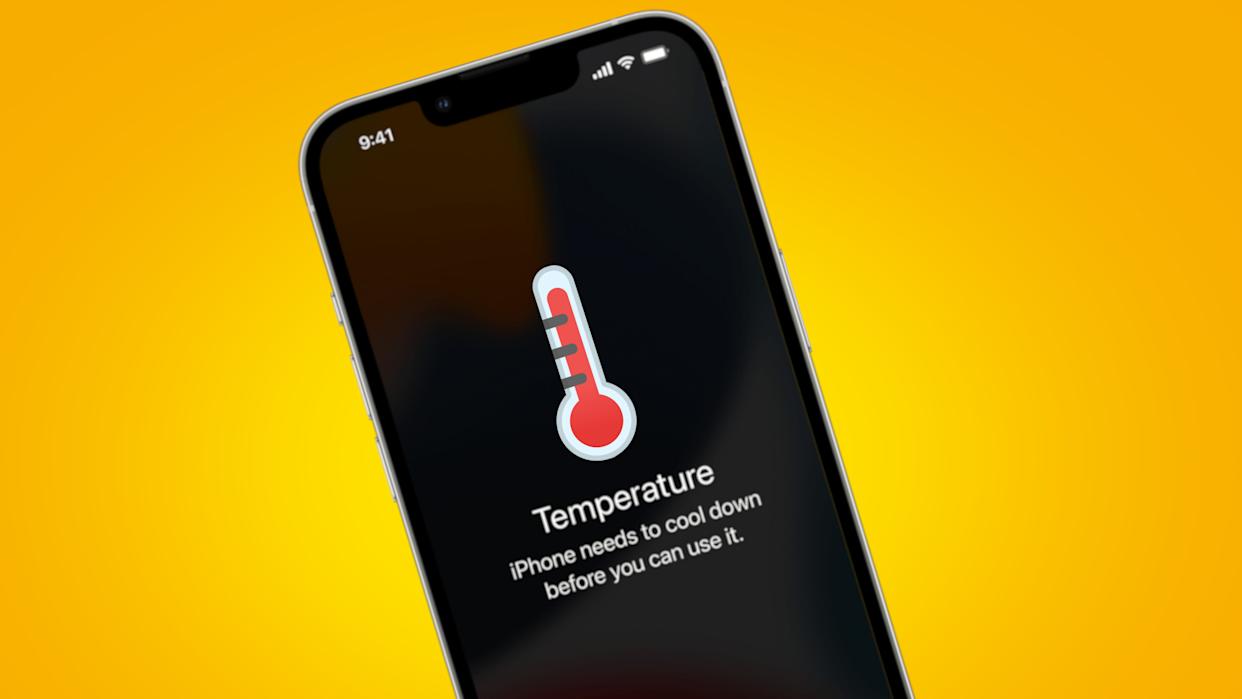
Furthermore, when charging, users might encounter a “Charging on Hold” notification. This occurs when the unit overheats, temporarily halting charging until a safe temperature is restored. In addition to this, the iPhone may restrict charging to no more than 80 per cent to preserve battery health. Other symptoms of overheating can include sluggish camera performance, temporary disabling of the flash, and a general slowdown of app responsiveness and scrolling. In severe cases, a warning screen featuring a thermometer icon may appear, limiting functions to only emergency calls until the device cools down sufficiently.

Tips for Keeping Your iPhone Cool During Summer

To ensure the continued functionality of an iPhone during periods of extreme heat, users should consider environmental management strategies. One recommendation is to limit the use of wireless charging, as it generates additional heat; opting for a traditional wired charger can be a better choice in hot conditions. Additionally, charging the device in a cooler environment, like an air-conditioned room, can help maintain proper operating temperatures.

If a thick and rugged case is used, it may be beneficial to remove it when the device heats up. Such cases can contribute to temperature increases since they often insulate the device. Allowing the metal frame to breathe by removing the case can be effective in cooling the phone down.

It is equally important to avoid exposing the device to direct sunlight. Whether during outdoor activities or other circumstances, users should be mindful of the heat. Employing low power mode can also assist in mitigating overheating, as this feature reduces background activity and processor speed, preventing the device from reaching excessively high temperatures. Awareness of these factors is vital for ensuring the longevity and performance of iPhones in hot weather.

Long or Short, get news the way you like. No ads. No redirections. Download Newspin and Stay Alert, The CSR Journal Mobile app, for fast, crisp, clean updates!

App Store –  https://apps.apple.com/in/app/newspin/id6746449540 

Google Play Store – https://play.google.com/store/apps/details?id=com.inventifweb.newspin&pcampaignid=web_share

Latest News

Popular Videos
