


Mobile Phone’s Small Light Indicates Major Danger
The CSR Journal Magazine

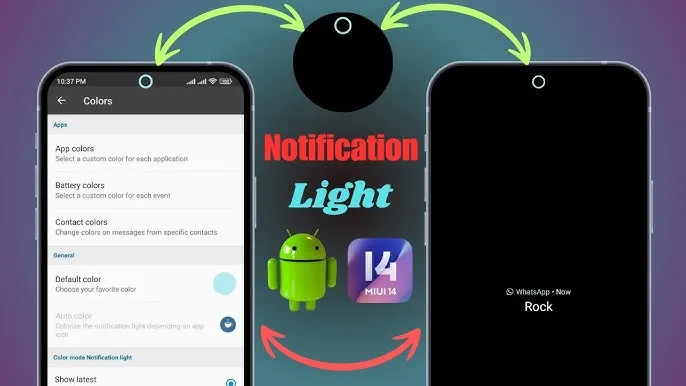
The notification light on a mobile phone may seem trivial, but it can be a critical indicator of significant issues. This small LED, often overlooked, is crucial for alerting users to various statuses, including battery levels, notifications, and potential problems. Users frequently ignore these lights, underestimating their functionality and importance.

Common Issues Indicated by the Light

The mobile phone’s light can signify various problems, including a low battery or hardware malfunctions. A persistent red light, for example, may indicate that the device is charging or that there is an urgent need for attention due to critical system updates. Such warnings should not be dismissed, as they may lead to more significant issues if ignored over time.

In addition to battery indicators, the light can also flash to signify incoming messages or missed calls. However, some users might misinterpret these signals, potentially leading to missed communication. Understanding these visual cues is essential for ensuring timely responses in both personal and professional contexts.

If the indicator flashes in an unusual pattern, it may suggest more serious issues, such as software errors or potential security threats. Users should investigate these alerts promptly to avoid complicating problems that could lead to software failure or data loss.

Recommended Actions When the Light Activates

When the indicator light activates, users should first take a moment to ascertain the reason behind it. Checking the device settings often reveals the cause, whether it be a battery status alert or a new application requiring attention. By understanding these notifications, users can ensure their phone’s optimal performance.

In instances where the light continues to flash without clear information, performing a soft reset or consulting the device’s user manual may be beneficial. These steps can often rectify minor faults without needing professional repair. Additionally, software updates could resolve underlying concerns that trigger these alerts.

Users should also consider seeking professional assistance if the problem persists after troubleshooting. Ignoring sustained alerts can escalate issues, leading to costly repairs or replacements down the line. Keeping the device in prime condition is essential, not just for convenience but also for security purposes.

Conclusion on Phone Maintenance

In conclusion, the small light on a mobile phone plays an essential role in maintaining the device’s health and functionality. Recognising its signals can save users from larger complications, ensuring that they address minor issues before they develop into significant problems. Awareness of these indicators is crucial for both experienced and novice smartphone users alike.

Regularly reviewing notifications and alerts, along with maintaining good practises such as software updates and battery care, can significantly enhance the longevity and reliability of a mobile device. By taking the time to understand these crucial signals, users can better protect their investment and ensure a seamless mobile experience.

Ultimately, a heightened awareness of the mobile phone’s features, including the often-ignored indicator light, contributes to better device maintenance and user satisfaction. The small light is more than a mere accessory; it is a pivotal tool for proactive device management.

Long or Short, get news the way you like. No ads. No redirections. Download Newspin and Stay Alert, The CSR Journal Mobile app, for fast, crisp, clean updates!

App Store –  https://apps.apple.com/in/app/newspin/id6746449540 

Google Play Store – https://play.google.com/store/apps/details?id=com.inventifweb.newspin&pcampaignid=web_share

Latest News

Popular Videos
