


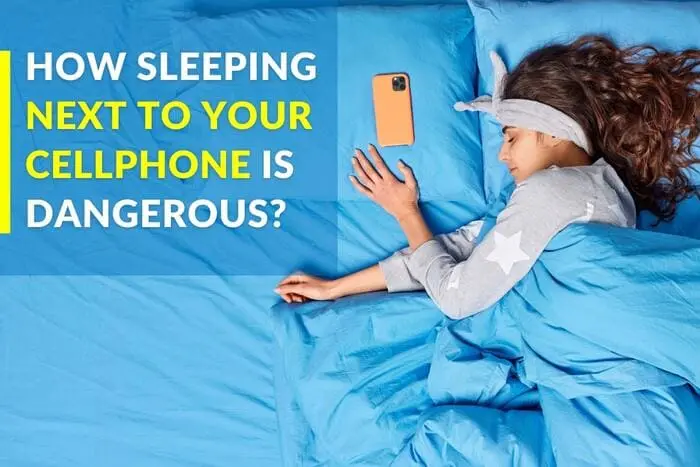

Most of us won’t admit it, but our phones don’t just stay with us all day—they sleep with us too. On the pillow. Under it. Right next to our face. It feels normal, almost comforting, like having our digital world within arm’s reach. But what if this innocent habit is quietly stealing your sleep, your peace, and even your mornings?
Here’s what really happens while you’re fast asleep—and your phone is wide awake.
To begin with, your brain never fully switches off when your phone is nearby. Even a tiny ping, a faint buzz, or that soft glow from a notification is enough to nudge your brain out of deep sleep. You may not remember waking up, but your sleep cycle does—and it suffers. It’s like someone tapping your shoulder every few minutes while you’re trying to rest.
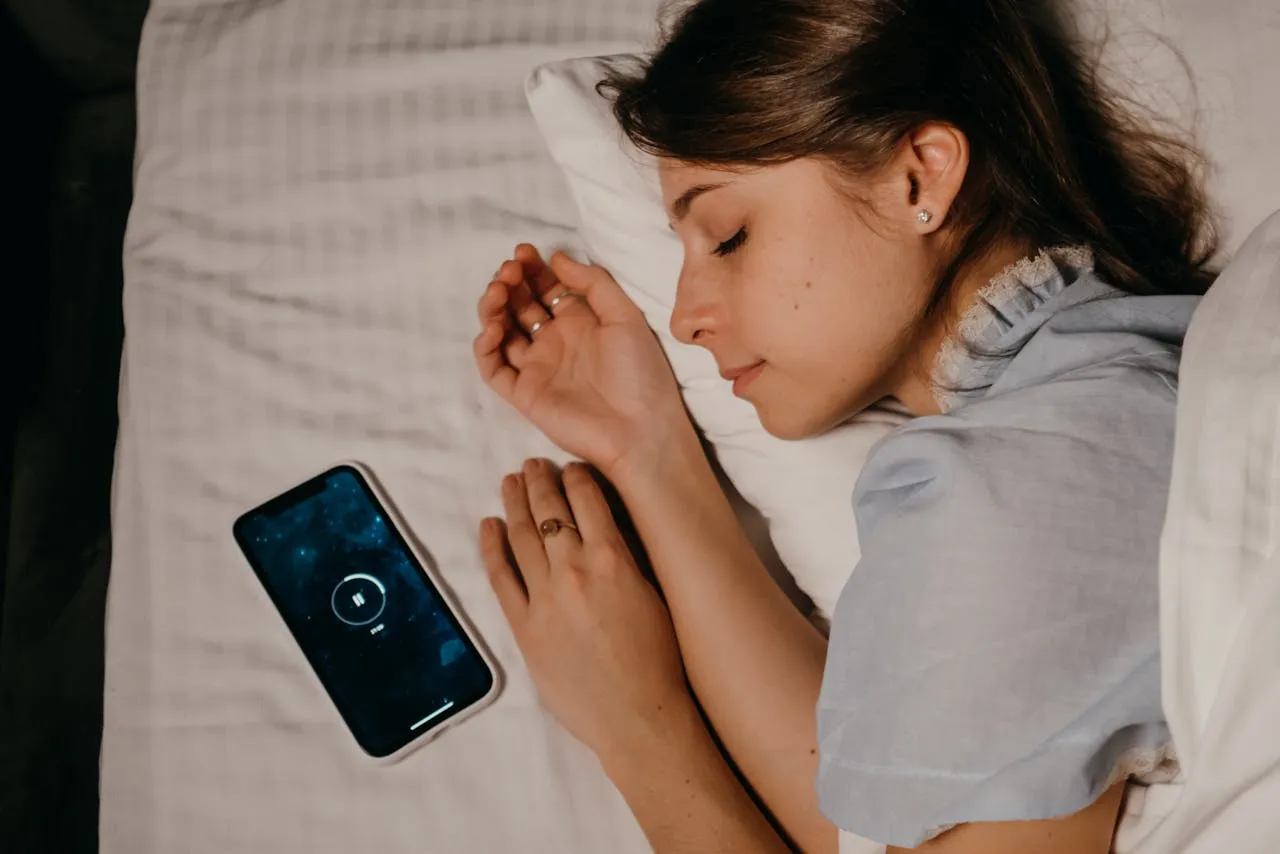
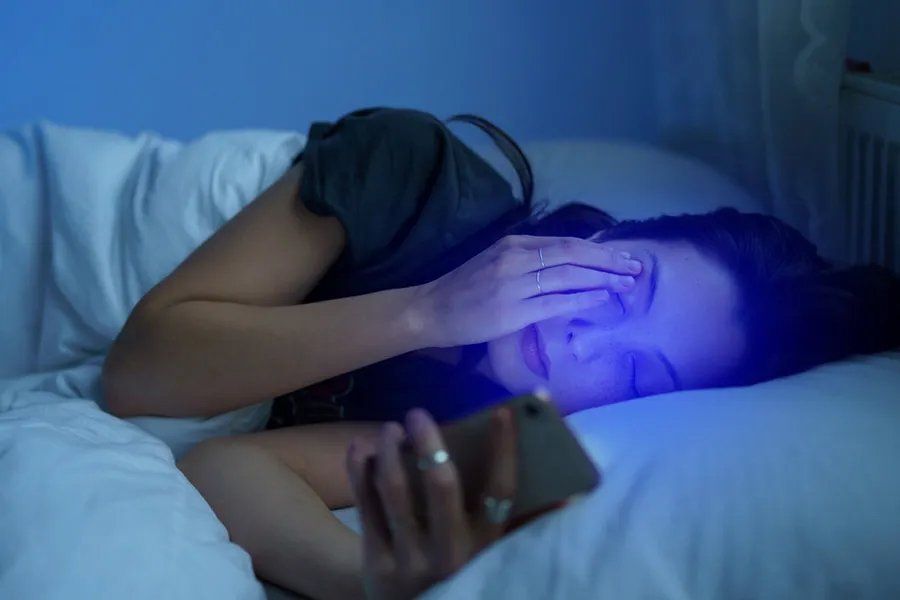
Then comes the sneaky villain: blue light. Your phone’s screen gives off a kind of light that tells your brain, “Hey, it’s still daytime, stay awake!” So when you scroll through reels or messages just before bed, your brain gets confused. It delays releasing melatonin—the hormone that helps you feel sleepy. That’s why even after you finally put the phone away, your mind wanders, spins, and refuses to calm down.
Another thing we often ignore? Vibrations. Even when your phone is on silent mode, it’s not truly silent. App updates, background processes, or random alerts create tiny vibrations. These micro-sounds are like gentle nudges to your brain, causing small, unnoticed wake-ups. You might sleep for eight hours, but your body feels like it only rested for five.
Keeping the phone close to your head also messes with your overall sleep quality. Frequent disruptions prevent your mind from entering deep sleep—the stage where memories strengthen, stress melts away, and your body repairs itself. When this deep rest is cut short, you wake up groggy, easily irritated, and mentally drained. It’s not “just a bad morning”—it’s your sleep quality calling for help.
And if your phone is charging through the night, there’s a physical discomfort too. A charging phone warms up slightly, especially under a pillow or blanket. That heat may not burn you, but it creates a warm, uncomfortable pocket of air right next to your face. In rare situations, overheating can be a safety concern, but even at its safest, it’s still not ideal.